Feature Spotlight · Mobile
Put PDA on your phone: the 60-second home-screen install
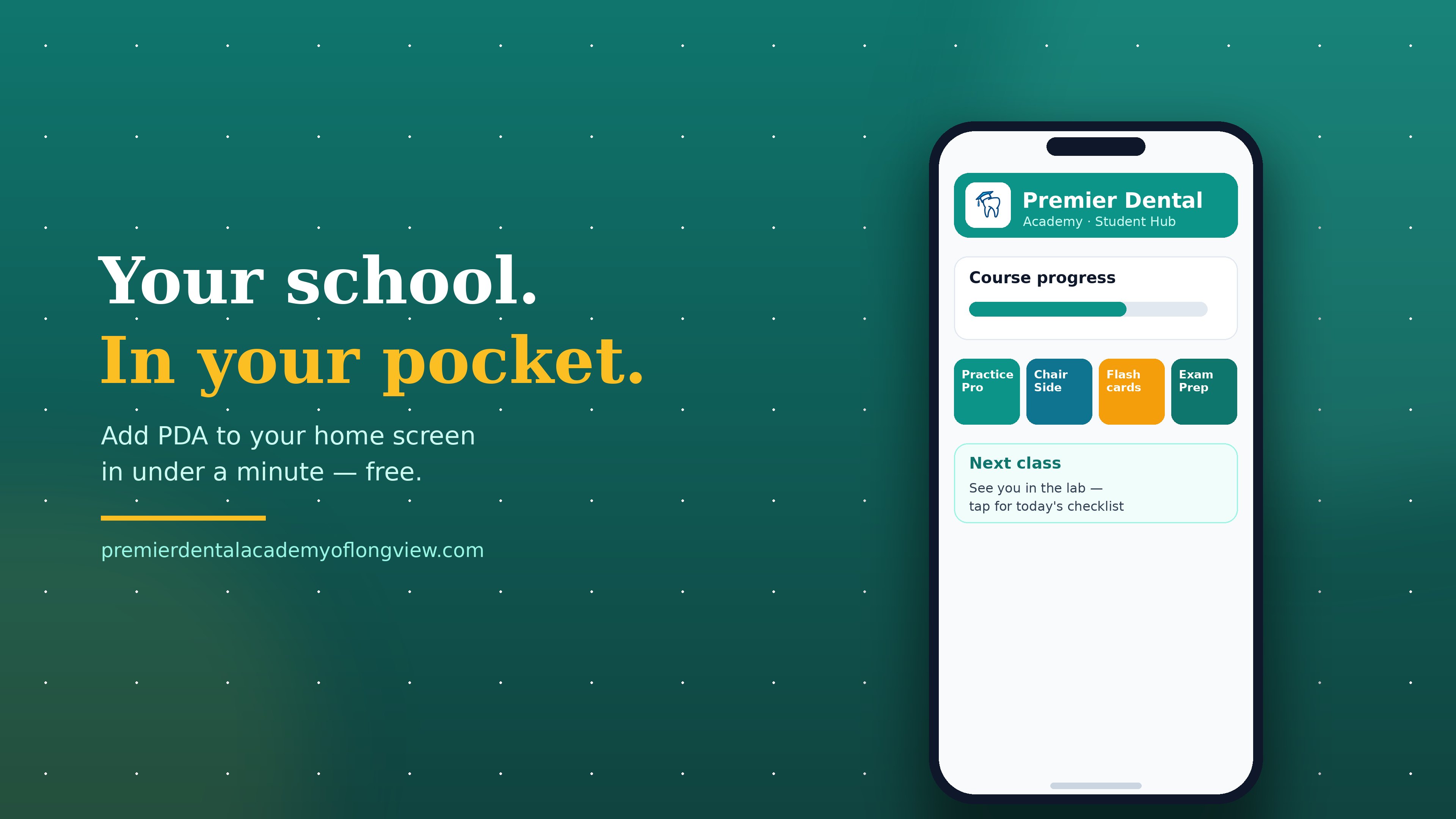
There is nothing to download from an app store and nothing to pay. Our whole platform — your courses, Practice Pro, ChairSide, flashcards, the free practice exam, the class calendar — installs straight to your home screen and opens full-screen like any other app.
Why bother installing it?
Because studying happens in stolen minutes — in the school pickup line, on break, in the fifteen quiet minutes before everyone wakes up. If getting to your flashcards takes opening a browser, typing an address, and finding the right page, you won't do it. If it's one tap between the texting app and the camera, you will. Our enrolled students already use the student hub more than any other page on the site; this makes it one tap away.
It works because the site is built as an installable web app. Your phone treats it like an app — its own icon, full screen, no browser bars — but it's always the live site, so it is never out of date and never needs an update.
Pick your phone (tap one)
What's on your home screen once it's there
Everything, and most of it is free with no login: the free Texas RDA practice exam, flashcards, the charting trainer, the salary calculator, and the class calendar. Enrolled students get their whole course in /learn — video lessons, quizzes, progress tracking, and the certificate button when you finish. If you're studying for boards, the Study Pack and Exam-Prep Mini-Course live one tap away too.
This is a home-screen web app, not an App Store download — that's why it's instant and takes no storage. You need an internet connection to use it, same as the website. If you ever want it gone, delete it like any app: press and hold, remove. Nothing else on your phone is touched.
The best thing on the other side of that icon
The app gets you to the tools. The tools are practice for the real thing: a Longview classroom capped at eight students, real instruments in your hands, and software that works like what East Texas offices actually run. If you're deciding whether this career is for you, don't decide from a screen — come take a free campus tour and see the lab in person.
One tap to your tools. One visit to your future.
Install the app, try the free practice exam tonight, and come see the Longview lab in person. Applying is free.
Apply now →Keep reading: What happens at a campus tour · Tour the virtual dental office · What you can practice before day one